Showing posts with label Fix-It-Friday. Show all posts

Saturday, August 7, 2010

Fix-it-Friday [Aug 7th]

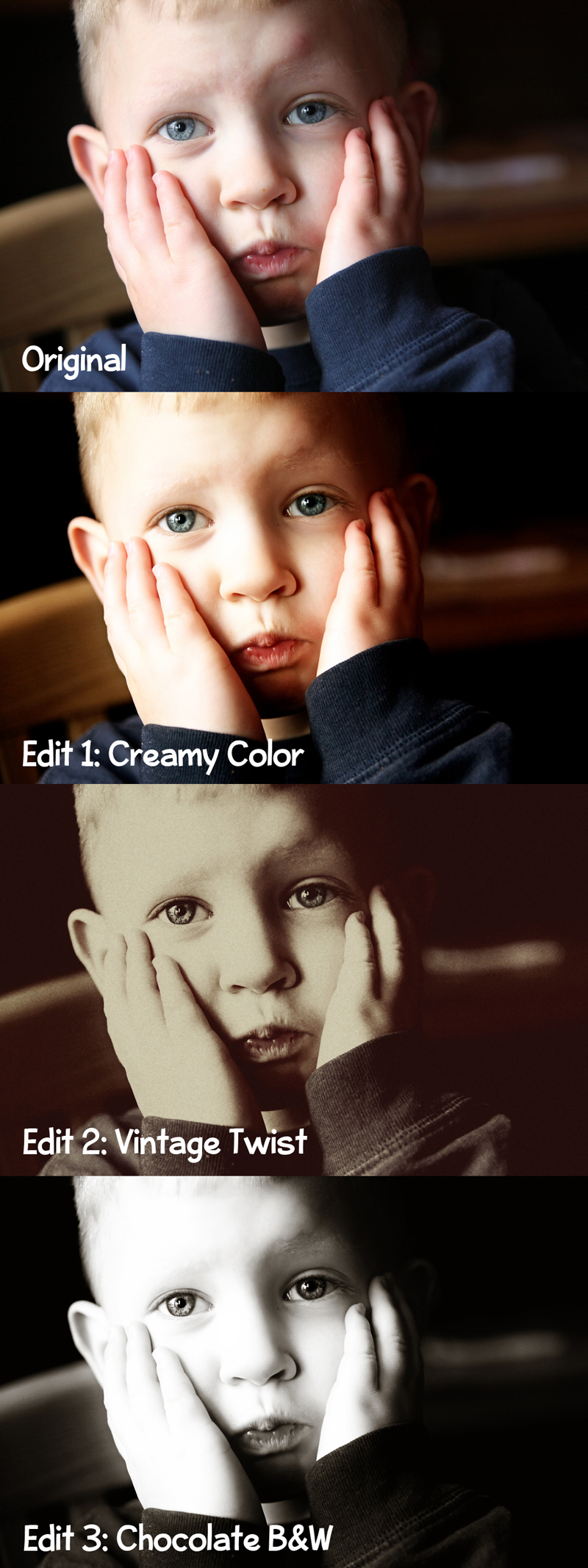
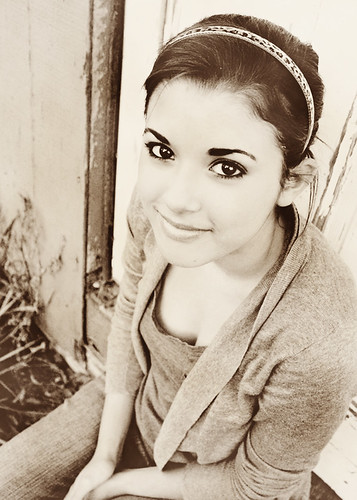
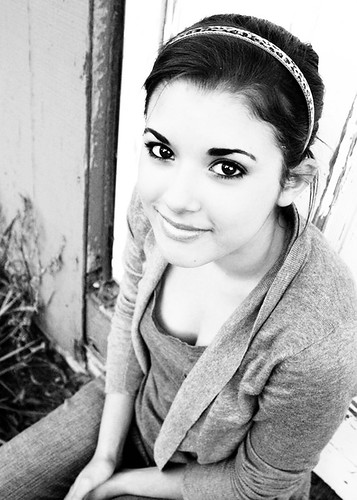
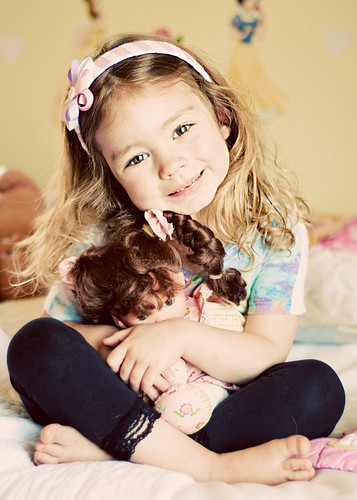
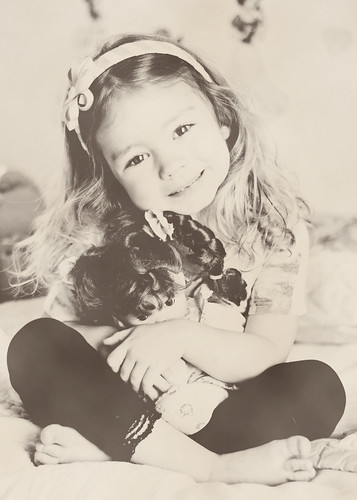
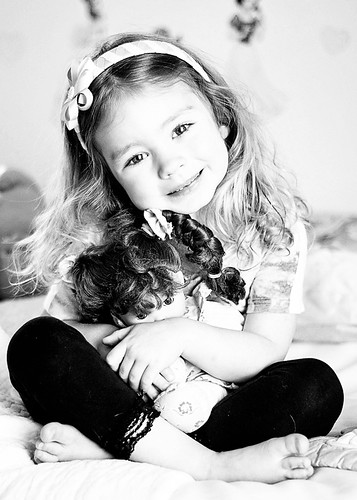
Another fix it friday (a day behind). Usually I try something new as far as editing goes every week. This week I do what I normally do as far as warming a photo, softening skin, running boost action. This week I ran the vintage action and did some tweeking. I love the finished result!
Enjoy!


fif8


Friday, July 30, 2010

Fix-it-Friday [7/30/10]

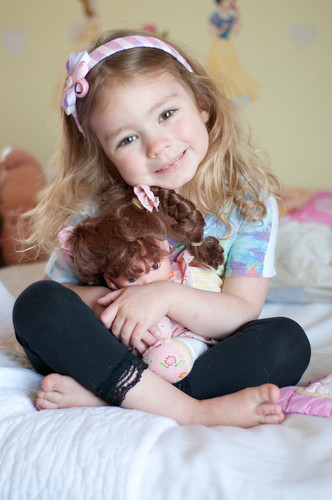
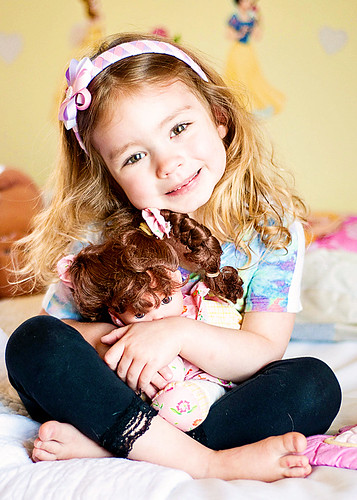
Its been awhile since I've participated in the fix it friday challenge, and I really do miss it! I'm ready to get back into the swing of things with photo challenges and editing. This photo was already great SOOC, and just needed a few minor adjustments to make it "pop". Enjoy!


Head on over to i heart faces for all the other photo edits.

Saturday, April 17, 2010

Fix-it-friday #6


Last week we had a break. It was nice to step away from the computer for awhile, but I'm glad to be back editing photos again!


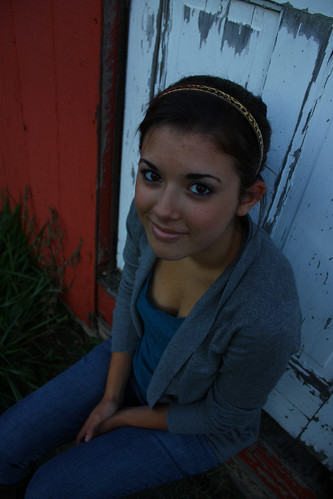
Here is the Original
fif-6-original

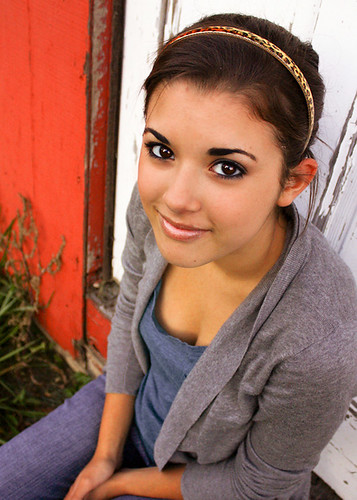
Edit 1
First I went into lightroom and adjusted the white balance, and exposure. Then went into photoshop cs4 and dodged and burned the eyes, ran coffeeshops baby powder skin action, and touched up all the necessary areas, then added a bit of warmth, cuves, color balance, and then ran pioneer womans sharpen this action and sharpened her eyes.
Cropped to a 5x7.
fif-6-edit1

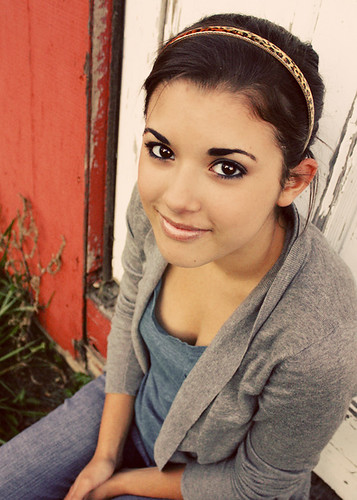
Edit 2 - 70s Vintage
Ran pioneer womans seventies action. Adjusted opacity
fif-6-edit2

Edit 3 - Heartland
Ran pioneer womans heartland action.
Bumped the curves for more contrast.
fif-6-edit3

Edit 4 - B&W
Ran TRA bitchin b&w action. Adjusted curves.
fif-6-edit4

I had a lot of fun doing this yesterday!I love her eyes. Shes such a gorgeous girl! Hope you like them.

Saturday, April 3, 2010

Fix-it-friday #5


What a darling little girl. Here are my fix its for this week. Hope you like them! Will post instructions on what I did tomorrow. Well its already tomorrow so after I get up! =P


Original
fif-5-original

Edit #1 - color pop
fif-5-color pop

Edit #2 - 70's faded
fif-5-70s

Edit #3 - heartland
fif-5-heartland

Edit #4 - B&W
fif-5-edit4

Saturday, March 27, 2010

Fix-it-friday #4


Original

Edit #1
Adjusted exposure, curves, brightness, clarity.
Sharpened a bit.
Dodged and burned the eyes.

Edit #2
Same edits and 1st but just lightened a bit more

Edit #3
The famous seventies action. Adjusted to personal likings

Edit #4
same edits as above
BW beauty action - Pioneer woman
boost action
adjusted boot opacity


This was fun! What a goregous little girl and her brown eyes are AMAZING =)

Hope you like them!!

Check out all the other amazing fixes over @ iheartfaces


Friday, March 12, 2010

Fix-it-friday #3


Original

Edit #1
Levels and curves adjustment.
Dust and scratches: only used a 1.0
Ran the Old west action from PW and adjusted that.
A touch of cropping, and trying to clone the arm? or shirt that was in the way so it would be less distracting.
The little girl has such cute cheeks, lips and eyes and I wanted those not to be hidden by the underexposed photo.
But I wasn't completely set on this photo because the eye colors really seemed off so I did a second edit but just changed the coloring a bit. (edit 2)

Edit #2
I kept all of the edits the same as the first photo except I changed the colors a bit. Reduced the greens so the little girl would stand out more than the background. Boosted the reds a bit.

Edit #3
Levels adjustment, curves and dodged eyes a bit, ran dust and scratches.
Ran PW heartland action. Ran curves again to darken a bit and sharpened slightly.

I do all of my editing in lightroom and cs4. Mostly cs4 this time but edit 2 was done in both.

I hope you like them. It was a bit of a challenge this week but I still had a ton of fun!!

Check out other awesome edits over @ iheartfaces.

Friday, March 5, 2010

Fit-it-Friday #2 ♥

Once again its that time of the week again where we fix a photo @ iheartfaces.

Problem:
"having issues with overexposure in the top left corner and with blemishes on his face."

Original

Solution:
Using CS4
  1. Copied the background layer & did a mask around the areas I didn't want lightened.
  2. Curves adjustment on the area of the boy that was too dark. Did a slight blur on the masked area to smooth the edges.
  3. Color fill adjustment layer to a nice medium blue and changed the opacity of the layer to overlay. Erased everything but the sky area. Slight blur on masked area to smooth edges. Changed layer opacity to liking.
  4. Flatten image
  5. Unsharp mask. 30%, radius 3.6, threshold 0.
  6. Copied background layer, surface blur, erased everything but facial features I wanted to keep smooth.
  7. Patch tool to remove blemishes.
  8. Flatten, dodged the eyes a little bit.
  9. PW warming action
  10. Flatten again, up the vibrance, up the contrast a bit
  11. Masked everything but the hair, and sharpened that a bit more. Using the clone tool, touched up the overexposed area on hair. Reduced the opactity to look realistic. Minor curves adjustment again and am finished.

Wanted to keep the photo bright and warm. Hope you like it!


First edit

Second edit
I did all of the above changes and then ran the seventies action and adjusted as needed. I'm in ♥ with the seventies action. Its totally my signature style. But I love the richness of the 1st edit too =)


Saturday, February 27, 2010

Fix-it-friday #1


I know its Saturday but I haven't had a chance to upload these until now.
This is my first fix it friday. This is a great opportunity to work on editing skills and learning new things!


Here is the original photo.

First edit
In photoshop
Doubled the layer and upped the curves for the face.
Erased the over exposed areas.
Copied the background layer again and then set it to overlay and brought down the curves to bring out the blueness of the sky.
Added a bit of texture
Unsharp mask on just the little girl layer a bit.
Added pioneer womans 70s action, but turned the opacity down to about 40%
enhanced the eyes with dodge & burn

Second edit
Same edits as first but went into lightroom and added the golden sun preset and adjusted a bit.
Also smoothed her skin and removed the blemishes from the elbows to make her look even more beautiful :)

I can completely feel the warmness of the sun in the last photo.
Hope you like them!

Check out the rest of the amazing edits over at iheartfaces

Contact:

Phone: (307) 760-0550
Related Posts with Thumbnails

Grab My Buttons

button

holbert button

FEEDJIT Live Traffic Feed

Search This Blog

Become a Facebook Fan

Google Friend Connect

wibiya widget

FEEDJIT Live Traffic Map

  © Jenilee Holbert